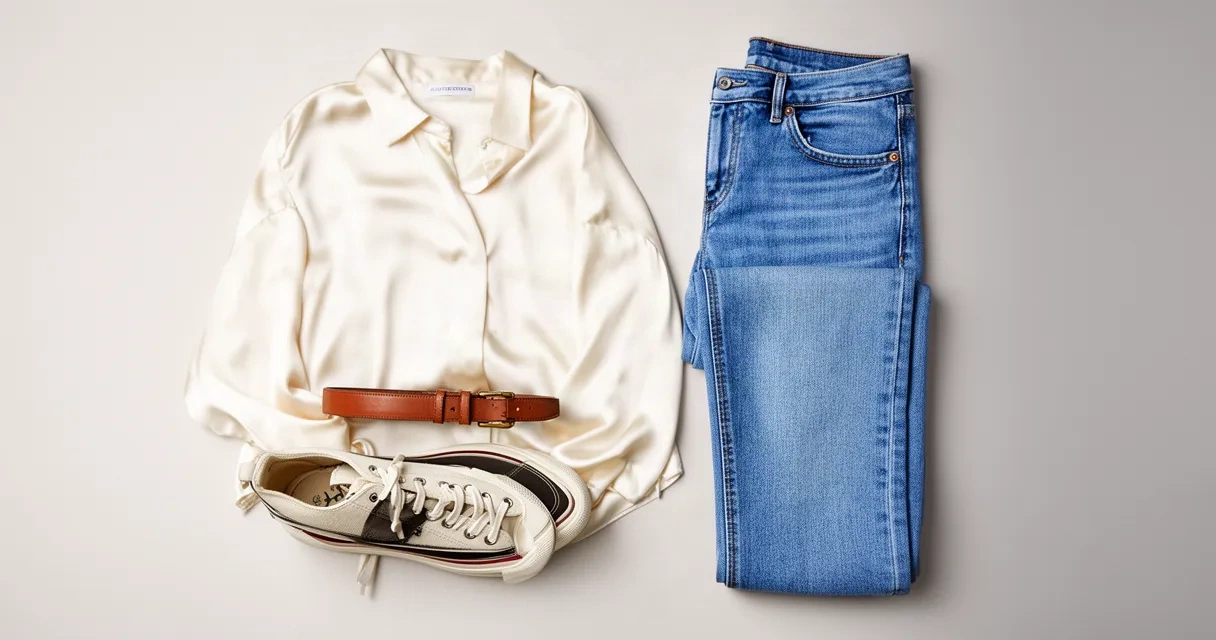
Build Your Perfect Outfit Online with AI Visualization Tools
Imagine seeing exactly how an outfit looks on you before you buy it. No more guessing whether that shirt matches your jeans. No more returns because colors don't work together in person. That's what modern outfit builders do—they use smart AI tools to show you complete looks instantly, right on your phone or computer.
An outfit builder combines your wardrobe with AI technology. You upload photos of your clothes, add your image, and the app shows you realistic previews of outfits. It's like having a personal stylist in your pocket, without the appointment scheduling or high fees.
Whether you're tired of deciding what to wear, tired of regretting impulse buys, or simply want to wear more of what you already own, an outfit builder can change how you shop and get dressed. This guide explores what these tools do, who benefits most, and how to pick the right one for your style and budget.
What Is an Outfit Builder and How Does It Work?
An outfit builder is a digital app—usually a website or mobile app—that helps you create and preview outfits before wearing or buying them. Think of it as a visual closet organizer combined with a fitting room.
Here's how it works:
Step 1: Upload Your Wardrobe
Photograph your existing clothes or items you're thinking about buying. The app sorts tops, bottoms, shoes, and accessories into a searchable collection.
Step 2: Add Your Photo
Take a selfie or upload a photo of yourself. The AI uses this image as the base for visualization.
Step 3: Mix and Match
Select different pieces and drag them together on a digital canvas. The app arranges them to show a complete outfit.
Step 4: See the Result
AI visualization technology shows a realistic preview of how the outfit looks on your body, your skin tone, and your personal style. Modern outfit builders use advanced technology to show fit, proportion, and color accuracy.
The best outfit builders do much more than simple photo collages. They use AI-powered outfit visualization to show realistic draping, shadows, and how garments sit on different body types. This means you can trust what you see and make confident purchase decisions.
Some outfit builders also learn your preferences over time. The more you use it, the smarter it gets at suggesting combinations you'll like.
Key Benefits of Using an Outfit Builder for Your Shopping
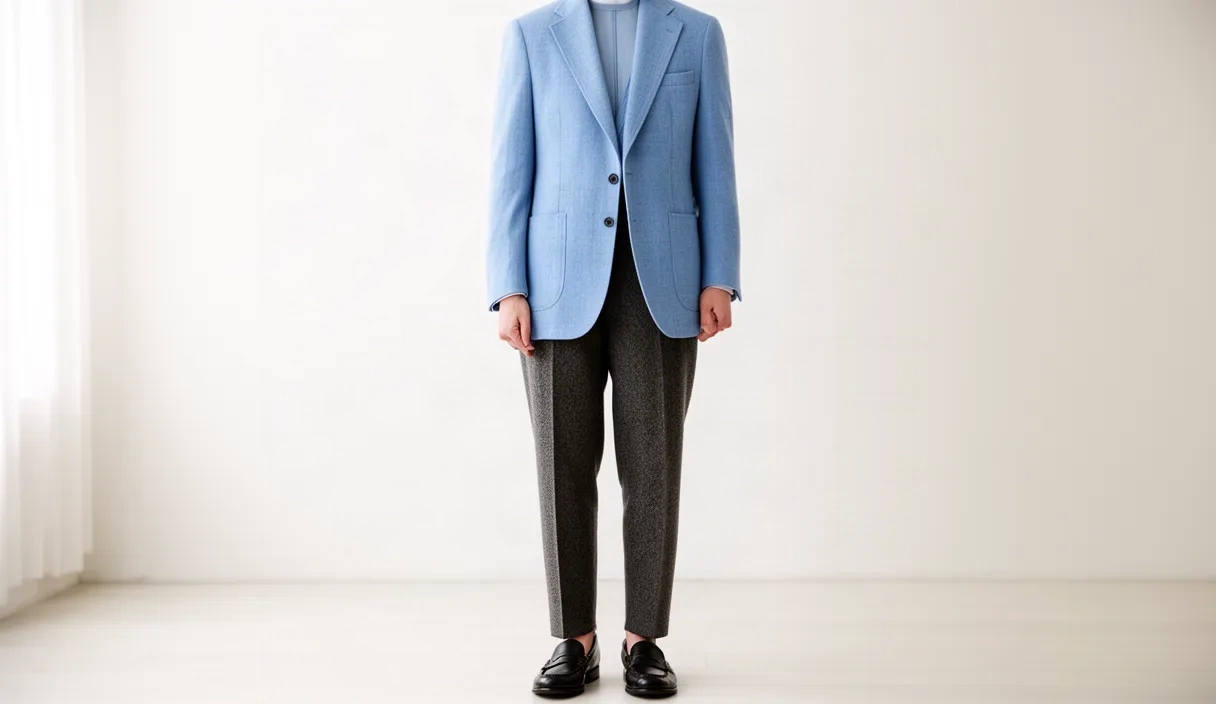
Save Time Every Morning
Getting dressed becomes faster when you can see what works. Instead of pulling out five shirts and trying them on, you preview options in seconds. Parents, commuters, and busy professionals report cutting their morning routine in half.
Reduce Decision Fatigue
Too many choices can be overwhelming. An outfit builder narrows your options by showing only combinations that work together. This mental relief alone is worth trying the tool.
Shop Smarter and Buy Less
When you can visualize an outfit before purchasing, you avoid buyer's remorse. You also spot mistakes—that trendy piece you thought would go with everything suddenly doesn't work with your wardrobe. This reduces returns and saves money.
Discover Outfit Combinations You'd Miss
Most people wear only 20% of their closet. An outfit builder highlights forgotten pieces and unexpected pairings. You might rediscover a blazer that works with three more outfits than you realized, expanding your wardrobe without spending money.
Build Confidence in Your Style
When you can see exactly how something looks, you feel more sure wearing it. This helps if you're experimenting with new colors, styles, or trends.
Create Consistent, Cohesive Looks
Whether you prefer simple style or bold combinations, an outfit builder helps you maintain a visual identity. Every outfit can align with your personal style.
How to Get Started with an AI-Powered Outfit Builder

Starting with an outfit builder is simple and takes just a few minutes.
Choose Your Platform
Decide whether you want a website you access in your browser or a mobile app you download. Mobile apps are more convenient for everyday use. Websites sometimes offer more advanced features.
Sign Up (Usually Free)
Most outfit builders offer free accounts with basic features. You typically need just an email and password. No credit card required to get started.
Take or Upload Your Photo
Use your device's camera to take a clear, straight-on photo of yourself in neutral clothing. Good lighting helps the AI render colors accurately. You can also upload an existing photo you like.
Photograph Your Clothes
This is the most time-consuming step, but you only do it once. Hang or lay each item flat and photograph it against a neutral background. Include different angles for items with interesting details.
Organize Your Items
Label each photo with the item type (shirt, pants, dress, shoes) and any details (color, fabric, size). This makes mixing and matching faster later.
Start Building
Explore combinations using the app's drag-and-drop interface. Most outfit builders make this easy—if you get stuck, in-app tutorials help you through it.
Save Your Favorites
Once you build outfits you love, save them. Many apps let you create named collections ("Work Week," "Weekend," "Date Night") for easy access.
Outfit Builders vs. Traditional Styling Methods
| Aspect | Outfit Builder | Traditional Methods |
|---|---|---|
| Cost | Usually free or low-cost subscription | Personal stylist fees ($100–300+ per hour) |
| Availability | 24/7, on your phone or computer | Depends on stylist availability |
| Personalization | AI learns your preferences over time | Depends on stylist's expertise |
| Time Commitment | Minutes to build an outfit | Hours for consultation plus shopping |
| Flexibility | Change your mind instantly | Requires new stylist consultation |
| Learning Curve | Intuitive; most people start in minutes | Passive—you rely on stylist |
| Control | You make all decisions | Stylist makes recommendations |
| Scalability | Works for your entire wardrobe | Usually covers one trip or season |
When an Outfit Builder Wins: You're budget-conscious, like making your own choices, have a busy schedule, or want to use more of your existing wardrobe.
When Traditional Styling Still Works: You're unsure about your personal style, planning a major wardrobe change, or preparing for a high-stakes event where expert guidance matters.
Many people use both—an outfit builder for everyday decisions and a stylist for occasional guidance.
Real-World Use Cases: Who Benefits Most from Outfit Builders
The Busy Professional
Sarah works in corporate finance. She used to spend 15 minutes each morning deciding what to wear. Her outfit builder now has 50 pre-built work outfits. She checks her phone for a quick visual confirmation in 30 seconds. She's saved seven hours monthly—time she now uses for yoga or sleep.
The Sustainable Shopper
Marcus owns 40 pieces he carefully chose over two years. Before buying anything new, he uses his outfit builder to see if it works with what he has. He's avoided 12 impulse purchases that wouldn't fit his style. His closet is smaller, but every item serves a purpose.
The New Parent
Jenna has limited time and a tighter budget now. Instead of spending hours in stores, she uses an outfit builder to plan exactly what she needs. She's also found 15 pre-baby pieces that work with her current lifestyle. She feels stylish while spending less.
The Neurodivergent Professional
Many people with ADHD, autism, or sensory processing differences struggle with making decisions and visual planning. An outfit builder removes abstract choice by making options concrete. One user said it "finally gave me a system that works with how my brain works."
The Online Shopper
Alex shops mostly online and struggled matching items across different brands. His outfit builder shows him exactly how new pieces work with his existing wardrobe before checkout. His return rate dropped from 30% to 5%.
The Retail Brand or Boutique
Fashion retailers use outfit builders to increase sales. When customers see complete outfits, they buy complementary items. Retailers also learn what style combinations appeal to their audience.
The Personal Stylist
Professional stylists use outfit builders to show client recommendations visually. Clients see exactly what the stylist envisions and can make informed decisions. It speeds up the sales process and reduces confusion after the consultation.
Choosing the Right Outfit Builder for Your Needs
Assess Your Primary Goal
Do you want to organize your existing wardrobe? Look for apps strong in inventory and mixing features. Do you want help shopping for new items? Prioritize platforms that show how new pieces fit with what you own.
Consider the User Interface
Some outfit builders use simple drag-and-drop; others offer more advanced features. Try the app's free version first. If the interface confuses you after 10 minutes, it's probably not your tool.
Check Compatibility
Ensure the app works on your devices. Does it sync between your phone and computer? Can you access your wardrobe from multiple devices?
Look at Visualization Quality
AI visualization accuracy matters. Top AI-powered virtual fitting room apps differ significantly in how realistically they show your body, clothing fit, and color accuracy. Read reviews or test the free version to see if the previews match real life.
Evaluate Data Privacy
You're uploading photos of yourself. Verify that the company has clear privacy policies. Reputable outfit builders use encryption, don't sell your data, and store images securely.
Understand the Pricing Model
Most outfit builders offer free basic accounts. Some charge subscriptions ($5–15 monthly) for premium features like unlimited uploads, advanced AI visualization, or personal styling recommendations. Decide what features are worth paying for.
Read User Reviews
Look for reviews from people with your body type, style preference, and needs. A tool praised by minimalist professionals might not suit someone who loves bold fashion.
Try Before Committing
Use the free version for at least two weeks. Build 5–10 outfits, use them daily, and see if the tool actually changes your routine. If it does, upgrading is worth considering.
Frequently Asked Questions
Do I need to pay to use an outfit builder?
No. Most outfit builders, including Unmarble, offer free accounts with core features. You can upload photos of your wardrobe, create outfit combinations, and save your looks without paying. Premium subscriptions unlock additional features like advanced AI visualization, unlimited uploads, or personalized recommendations, but free users can do plenty.
How accurate are AI outfit visualizations?
Modern AI outfit visualization is quite accurate, but it depends on the tool. The best platforms account for body shape, skin tone, lighting, and fabric drape. However, no digital preview is 100% identical to real life—factors like fabric texture and movement can differ slightly in person. AI visualization is far more accurate than imagining an outfit mentally or looking at flat product photos. Test the tool yourself to see if the accuracy meets your expectations.
Can I use an outfit builder on my phone?
Yes. Most outfit builders offer mobile apps for iOS and Android, and web versions work on any phone's browser. Mobile access is one of the biggest conveniences—you can build and check outfits from anywhere. Many users build outfits on their computer (easier for uploading clothes photos) and then check their saved looks on their phone while getting dressed.
What types of clothing can I add to an outfit builder?
You can add nearly any clothing item: tops, bottoms, dresses, jackets, coats, shoes, hats, scarves, belts, jewelry, bags, and accessories. Some outfit builders are expanding into sunglasses, watches, and other detailed items. If you're unsure whether a specific item works, check the app's documentation or contact support.
How does an outfit builder save me money?
Outfit builders save money in three ways: First, they prevent impulse purchases by showing whether new items work with your wardrobe before you buy. Second, they help you see outfit combinations in your existing closet, so you buy less. Third, they reduce returns—when you visualize an outfit before purchase, you're more confident, so returns drop. Over time, these savings often exceed any subscription cost.
Can personal stylists and retail brands use outfit builders?
Yes. Personal stylists use outfit builders to show visual recommendations to clients, making consultation faster and improving satisfaction. Retail brands and boutiques use outfit builders to suggest complete looks, increasing sales and engagement. Some outfit builders offer B2B versions designed for styling professionals and fashion retailers.
Conclusion
An outfit builder is no longer a luxury—it's a practical tool for anyone who wants to make faster, smarter decisions about what to wear and buy. Whether you want to simplify your morning routine, reduce decision fatigue, cut back on spending, or finally use all your clothes, these AI-powered tools deliver real value.
The technology continues to improve, becoming more accurate and easier to use every year. What once felt futuristic—visualizing outfits on your body before buying—is now accessible, affordable, and genuinely useful.
Start building outfits instantly with Unmarble's free AI outfit builder—no credit card required. Upload your photo and clothing items to visualize complete looks before you shop. In just a few minutes, you'll see why thousands of people are using outfit builders to transform their daily style and shopping habits.